

If you're in a hurry, let's cut right to it. For just about any trail camera out there, a high-endurance SD card with a U3/V30 speed rating and a capacity of 32GB to 64GB is your sweet spot. This setup gives you the perfect mix of reliability, speed, and storage without breaking the bank.
Why Your Trail Camera Needs the Right SD Card
Choosing the best SD card for your trail camera is about way more than just storage space. It’s about reliability when you’re miles away. The wrong card can mean corrupted files, missed triggers, and the gut-wrenching feeling of pulling a card only to find it failed weeks ago.
Think about how a trail camera works: it sits idle for long stretches, then suddenly springs to life to write photos or videos in a quick burst. This unique cycle puts a very specific kind of stress on a memory card that standard cards just aren't built to handle.
Core Factors for Peak Performance
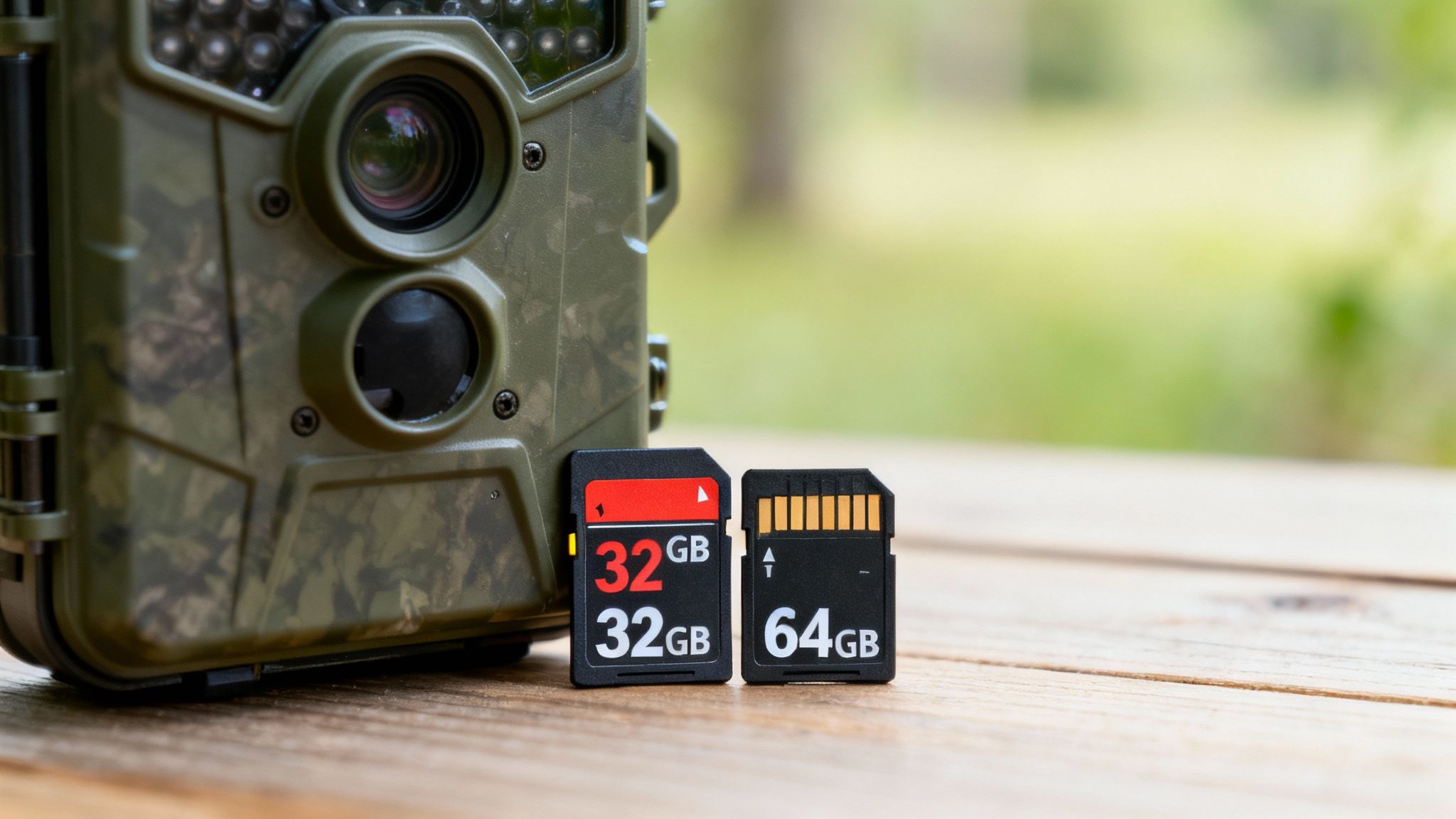
To get this right, you really only need to focus on three things. Get these right, and you'll have a card you can depend on, season after season.
- Capacity: This is simply how many photos and videos the card can hold. It’s a balancing act—you need enough space for your camera's settings and check-up schedule, but going too big can be a waste of money.
- Speed: This is all about how fast the card can save files. A slow card will choke on high-resolution photos and 4K video, leading to blurry burst shots or choppy footage. You need a card that can keep up.
- Endurance: This is the most overlooked—and arguably most important—factor. Endurance measures how well a card holds up to being written to and erased over and over again. For a device that’s always on duty, this is non-negotiable.
This need for durability is exactly why the market for industrial SD memory cards is projected to grow at a CAGR of 15.5% through 2028. Devices that operate in tough environments, just like our trail cams, are driving that demand. You can dive deeper into the state of memory technology trends to see how these advancements are trickling down to the gear we use.
Master these three pillars, and you can pick a card with confidence, knowing it won’t be the weak link in your setup.
Top SD Card Factors for Trail Cameras at a Glance
To make it even simpler, here’s a quick-reference table that breaks down what really counts when you’re standing in the electronics aisle.
| Specification | Why It Matters for Trail Cameras | General Recommendation |
|---|---|---|
| Capacity | Determines how much footage you can store between visits. Too small fills up fast; too large might not be compatible. | 32GB to 64GB is the ideal range for most cameras, balancing space and reliability. |
| Speed (UHS/V-Rating) | A fast write speed is crucial for saving high-res photos and 4K video without errors, dropped frames, or lag. | U3 / V30 is the gold standard for smooth video and rapid-fire photo bursts. U1 is fine for basic photo-only cams. |
| Endurance | Trail cameras constantly write and rewrite data. High-endurance cards are built to handle this cycle for years without failing. | Always choose a card labeled "High-Endurance," "Industrial," or "Max Endurance." |
| Compatibility | Not all cameras can handle newer card types (SDXC) or massive capacities. Check your camera's manual first. | Most modern cameras support SDHC (up to 32GB) and SDXC (64GB and up), but always verify your model's limits. |
Ultimately, focusing on these four areas will steer you away from cheap, unreliable cards and toward one that you can truly set and forget.
Understanding SD Card Speeds and Capacities
Trying to decode the mess of symbols on an SD card can feel like learning a new language. But it’s much simpler than it looks, and getting it right is the secret to making sure your trail camera never misses a key moment because of a technical hiccup. Let's break down what those numbers and letters actually mean for your camera out in the woods.
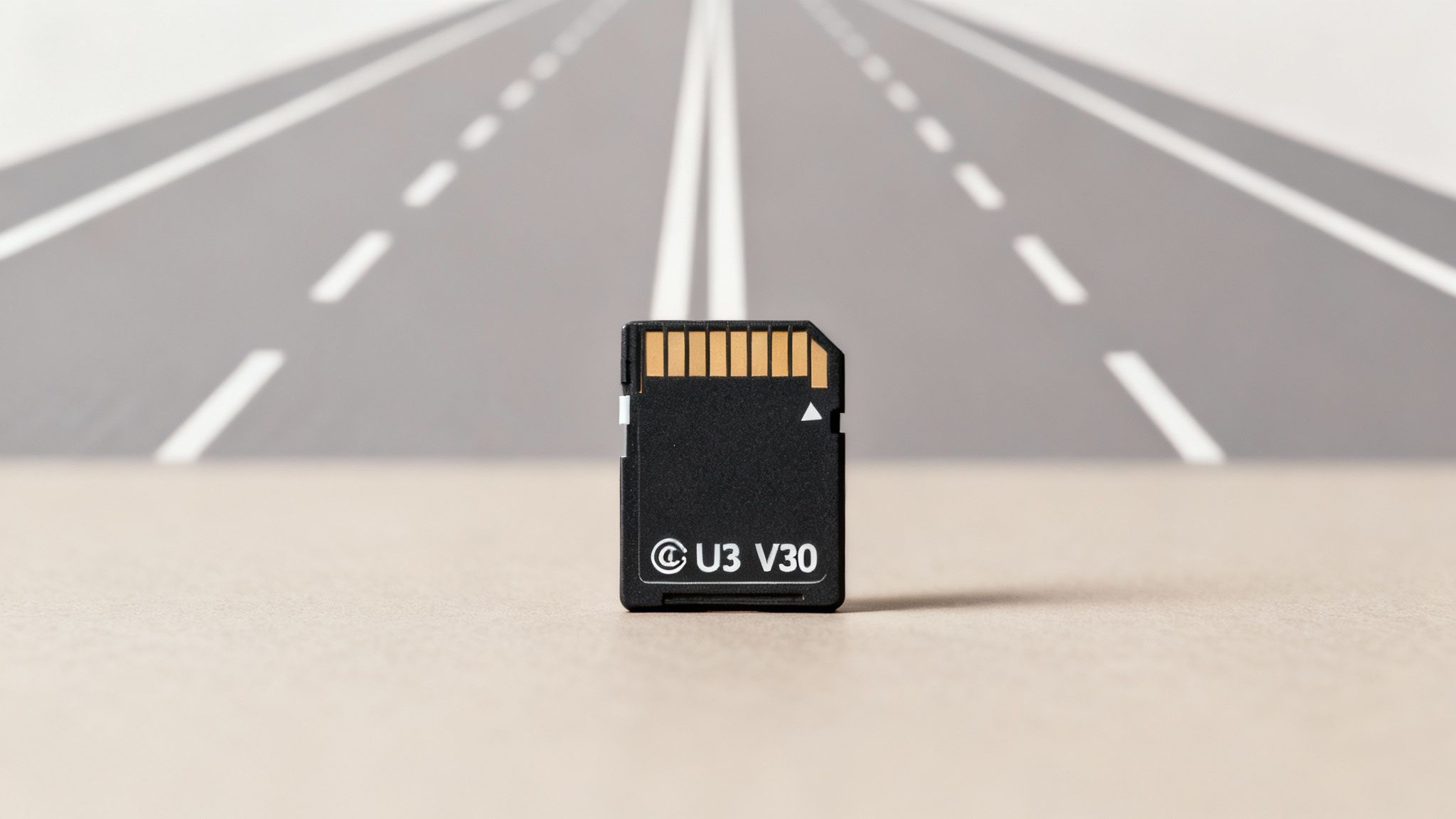
Think of an SD card's speed rating like the number of lanes on a highway. A card with more "lanes" can handle more data traffic at once, which is absolutely critical for modern trail cams capturing high-resolution photos and video.
Cracking the Speed Code
You'll mainly see three types of speed ratings: Speed Class, UHS Speed Class, and Video Speed Class. Each one is just an evolution of the last, built to handle more demanding jobs.
- Speed Class (C): This is the original rating, shown as a number inside a circle. A Class 10 (C10) card guarantees a minimum write speed of 10 MB/s. For any modern trail camera, this is the absolute slowest you should ever consider.
- UHS Speed Class (U): Standing for Ultra High Speed, this is marked with a number inside a 'U'. While a U1 card is also 10 MB/s, the U3 rating jumps that up to a much quicker 30 MB/s. That's a huge leap, and it’s what you need for smooth, reliable video.
- Video Speed Class (V): This is the newest standard, designed specifically for high-res video. The number next to the 'V' tells you the minimum write speed directly. A V30 card guarantees a minimum of 30 MB/s, making it a perfect match for a U3 card.
For the vast majority of trail cameras, especially any that shoot HD or 4K video, a U3 or V30 rated card is the way to go. This ensures the card can keep up with the large files the camera is creating, preventing dropped frames or corrupted videos—a common failure point for slower cards.
Key Takeaway: Ignore the big "read speed" number often plastered on the packaging. For a trail camera, the minimum sustained write speed (look for C10, U3, or V30) is the only number that truly matters. It determines if your card can reliably save files without errors.
Choosing the Right Capacity
Capacity, measured in gigabytes (GB), is all about how much footage your card can hold. This is tied directly to the card's format—usually either SDHC or SDXC. Knowing the difference is a big deal for camera compatibility.
SDHC (Secure Digital High Capacity): These cards run from 4GB to 32GB. They work with almost every trail camera out there and are a safe, solid choice. For many hunters and wildlife watchers, a 32GB card is the sweet spot.
SDXC (Secure Digital Extended Capacity): This format offers huge storage, from 64GB all the way up to 2TB. That extra space is tempting, but you must check your camera’s manual to confirm it supports the SDXC format. Sticking an incompatible SDXC card into an older camera is a recipe for formatting errors and lost images.
To really get a feel for how much space you'll need, it helps to understand the fundamental differences between lossy and lossless compression. This directly impacts how big your image and video files are. A camera set to higher quality (less compression) will chew through storage much faster.
Finding Your Ideal Storage Size
So, how much space do you really need? Here’s a quick rundown to help you pick the right capacity for your setup.
| Capacity | Best Use Case | Estimated Storage (12MP Photos) | Estimated Storage (1080p Video) |
|---|---|---|---|
| 16GB | Low-traffic areas, photo-only mode, frequent card checks. | ~4,000 photos | ~2 hours |
| 32GB | The all-around best choice for mixed photo/video use and balanced reliability. | ~8,000 photos | ~4 hours |
| 64GB | Long-term deployments, high-traffic areas, or 4K video recording. | ~16,000 photos | ~8 hours |
| 128GB+ | Cellular cameras sending frequent updates or extended remote monitoring. | ~32,000+ photos | ~16+ hours |
For most people, a 32GB or 64GB card hits that perfect balance of storage, reliability, and price. It gives you plenty of room for weeks, or even months, of captures without the potential compatibility headaches or higher cost of a massive card you might not even fill up.
Why Endurance Is More Important Than Speed
When you’re shopping for the best SD card for a trail camera, it's easy to get drawn in by speed. Big numbers on the package promise lightning-fast performance, but here’s a secret that seasoned pros know well: for a trail camera, endurance is far more critical than raw speed. While speed definitely matters for capturing high-quality video, a card's ability to withstand constant use is what separates a reliable tool from a future headache.
Think of it this way: a standard, high-speed SD card is like a sprinter's track shoe. It’s built for incredible bursts of performance but wears out fast with daily, grinding use. A high-endurance SD card, on the other hand, is like a premium hiking boot—it might not be the fastest thing on the track, but it's engineered for relentless, rugged use over thousands of miles.
That analogy perfectly captures the life of a trail camera card. Unlike a DSLR you might use for a weekend photoshoot, a trail camera is a sentinel, always on duty. It’s stuck in a demanding cycle of writing, rewriting, and deleting data, which puts immense strain on the card's memory cells. This repetitive process is the number one cause of premature card failure, leading to corrupted files and lost footage at the worst possible time.
The Tech Behind a Tougher Card
So, what exactly makes a high-endurance card so much more durable? The difference is in the quality of its internal parts and the smarts of its design. These specialized cards are built from the ground up to handle the constant data turnover that would burn out a standard card.
High-endurance cards use higher-grade NAND flash memory, which are the tiny cells that store your photos and videos. Picture these cells as pages in a notebook. On a cheap notebook, the pages tear and wear out after just a few erasures. But on a high-quality, durable notebook, you can write and erase many, many times before the page starts to degrade. High-endurance cards use the equivalent of those premium, durable pages.
The Wear-Leveling Advantage: High-endurance cards also use a clever technology called wear-leveling. It acts like an intelligent traffic cop, making sure that data is written evenly across all the memory cells. Instead of constantly hammering the same "parking spots" over and over, it spreads the load, which drastically extends the card's operational lifespan.
This technology is the key to their long life. A standard card might be rated for just a few hundred hours of recording, but a high-endurance model is often rated for 5,000 to 20,000 hours or more. For a device you’re leaving in the woods for months at a time, that difference is everything.
Endurance vs. Speed: A Direct Comparison
Let's break it down in practical terms. Choosing a card solely for its top speed is like picking a race car for a cross-country road trip. Sure, it’s fast, but it’s just not built for that kind of journey. A high-endurance card gives you the reliability you need for the long haul.
To make the choice clearer, here’s a direct comparison between the two types of cards.
Standard SD Card vs. High-Endurance SD Card
| Feature | Standard SD Card | High-Endurance SD Card |
|---|---|---|
| Primary Design Focus | Maximum read/write speed for short bursts (e.g., photography, file transfers). | Maximum durability for continuous read/write cycles (e.g., surveillance, dashcams). |
| Intended Use Case | Digital cameras, computers, and general consumer electronics. | Trail cameras, security cameras, dashcams, and industrial applications. |
| Lifespan | Shorter lifespan under constant use; prone to failure from frequent overwriting. | Significantly longer lifespan, rated for thousands of hours of continuous recording. |
| Error Handling | Basic error correction, more susceptible to data corruption over time. | Advanced error correction and wear-leveling to prevent data loss and cell degradation. |
| Best for Trail Cams? | Not recommended. Prone to unexpected failure, leading to lost scouting data. | Highly Recommended. The most reliable choice for long-term, set-and-forget deployments. |
Ultimately, the best SD card for a trail camera is one you can trust completely. While a U3/V30 speed rating is essential for shooting video, prioritizing a card’s endurance rating ensures your investment in time, effort, and equipment is protected by a storage solution that's actually built to last out in the field.
How to Match an SD Card to Your Camera
Choosing the right SD card isn’t about grabbing the first one you see on the shelf; it's about creating a perfect partnership between your card and your trail camera. A basic, photo-only camera has completely different demands than a high-end 4K cellular model. Getting this match right is the secret to reliable performance without wasting money on specs you don’t need.
Think of it like choosing tires for a truck. You wouldn't put racing slicks on a farm truck, and you wouldn't put rugged off-road tires on a sports car. Each is built for a specific job. In the same way, the best SD card is the one that perfectly complements your camera’s capabilities.
For Standard, Photo-Only Cameras
If your trail camera is a trusty workhorse that just snaps still images, your needs are pretty straightforward. You can skip the flashy, expensive cards. The main goal here is reliability and enough storage to hold photos until your next visit.
For these setups, a 32GB SDHC card with a Class 10 or U1 speed rating is almost always the perfect fit. This gives you plenty of room for thousands of high-resolution photos, and the speed is more than enough to handle single shots or short bursts without a hitch. It's a cost-effective, dependable solution for a simple job.
For High-Resolution Video Cameras (1080p and 4K)
This is where paying attention to the specs becomes absolutely critical. Recording video, especially in 4K, creates a massive, non-stop stream of data. If your SD card can't write that data fast enough, the camera’s buffer will overflow. The result? Stuttering video, dropped frames, or even corrupted files that are completely unreadable.
For any camera shooting 1080p or 4K video, a card with a V30 or U3 speed rating is non-negotiable. This guarantees a minimum sustained write speed of 30 MB/s, which is the baseline you need to smoothly handle high-resolution video.
Capacity is a much bigger deal here, too. A 32GB card can fill up shockingly fast with 4K footage. Stepping up to a 64GB or 128GB SDXC card is a smart move, ensuring you have enough space for extended recordings. If you're just getting started, our guide on how to set up a trail camera for beginners is a great place to begin.
For Cellular Trail Cameras
Cellular trail cameras are the most demanding use case for an SD card, period. These devices are constantly working—capturing images, processing them, and then transmitting data over a network. This relentless cycle of writing, reading, and deleting puts tremendous stress on the card's memory cells.
For this reason, high-endurance cards are the only reliable option for cellular cameras. They are specifically built to withstand the punishing read/write cycles that would quickly burn out a standard card. The constant data turnover is exactly what they’re engineered for, ensuring long-term stability and preventing that dreaded "card error" message when you're miles away from your camera.
Expert Insight: Think of a standard SD card in a cellular camera as a regular lightbulb left on 24/7—it's going to burn out way too fast. A high-endurance card is like an industrial-grade LED, built from the ground up for constant, long-term operation.
This whole decision can be simplified by focusing on what your camera does. The flowchart below breaks it down into a simple choice.
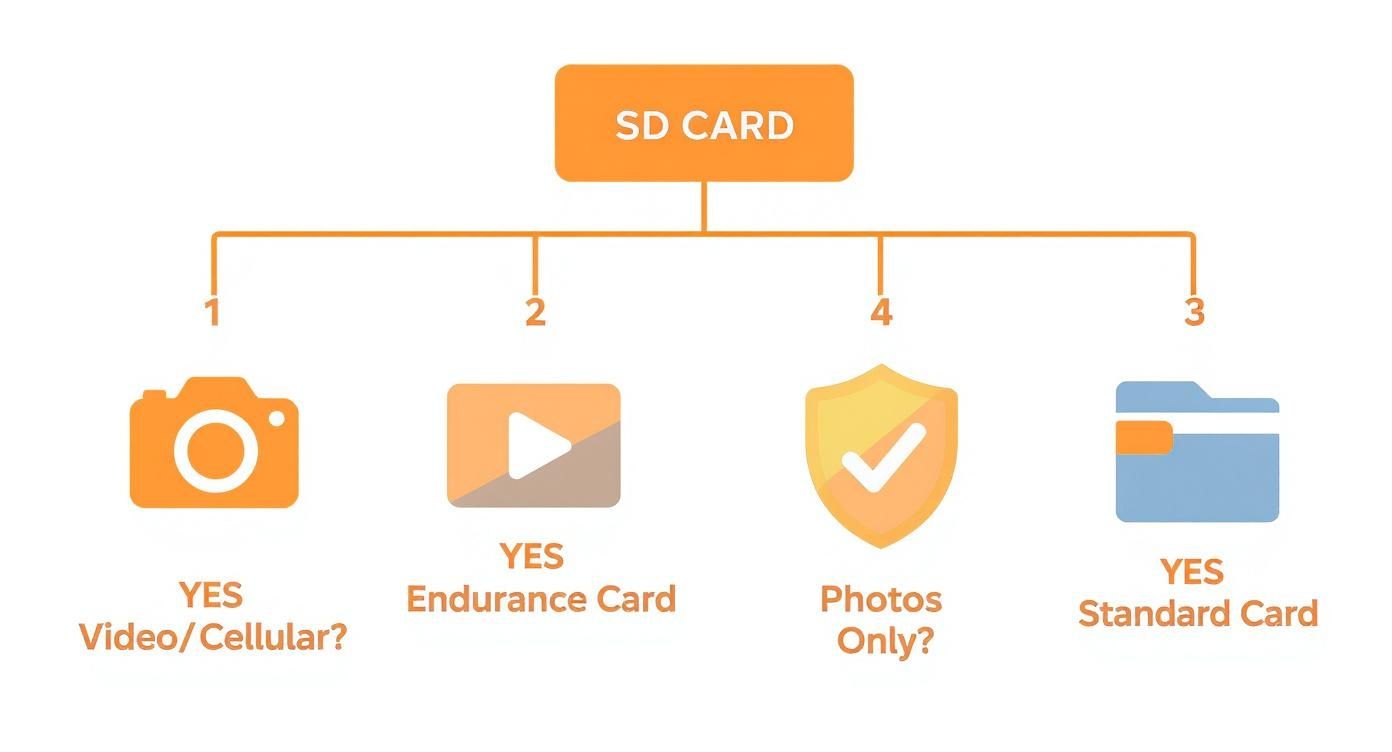
The key takeaway is clear: the moment video or cellular transmission enters the picture, a high-endurance card becomes essential for reliable performance.
The demand for better cameras is skyrocketing. The global trail camera market was valued at an estimated USD 852.97 million in 2024, and with over 52% of cameras sold in 2023 having resolutions above 12MP and 4K support, the need for tough, high-capacity SD cards has never been more critical.
Essential Tips for SD Card Care and Troubleshooting
A top-shelf SD card is a great start, but its reliability really comes down to how you treat it. Just like any other piece of essential gear, a little preventative maintenance can save you from the massive headache of lost photos or corrupted videos. These simple habits will extend the life of your card and make sure it’s ready to go when that buck of a lifetime walks by.
If you remember only one thing from this guide, make it this: always format a new SD card inside the trail camera you plan to use it in. Don't do it on your computer. Formatting the card in the camera guarantees the file structure is a perfect match for that specific device, which sidesteps a huge number of common errors right from the start.
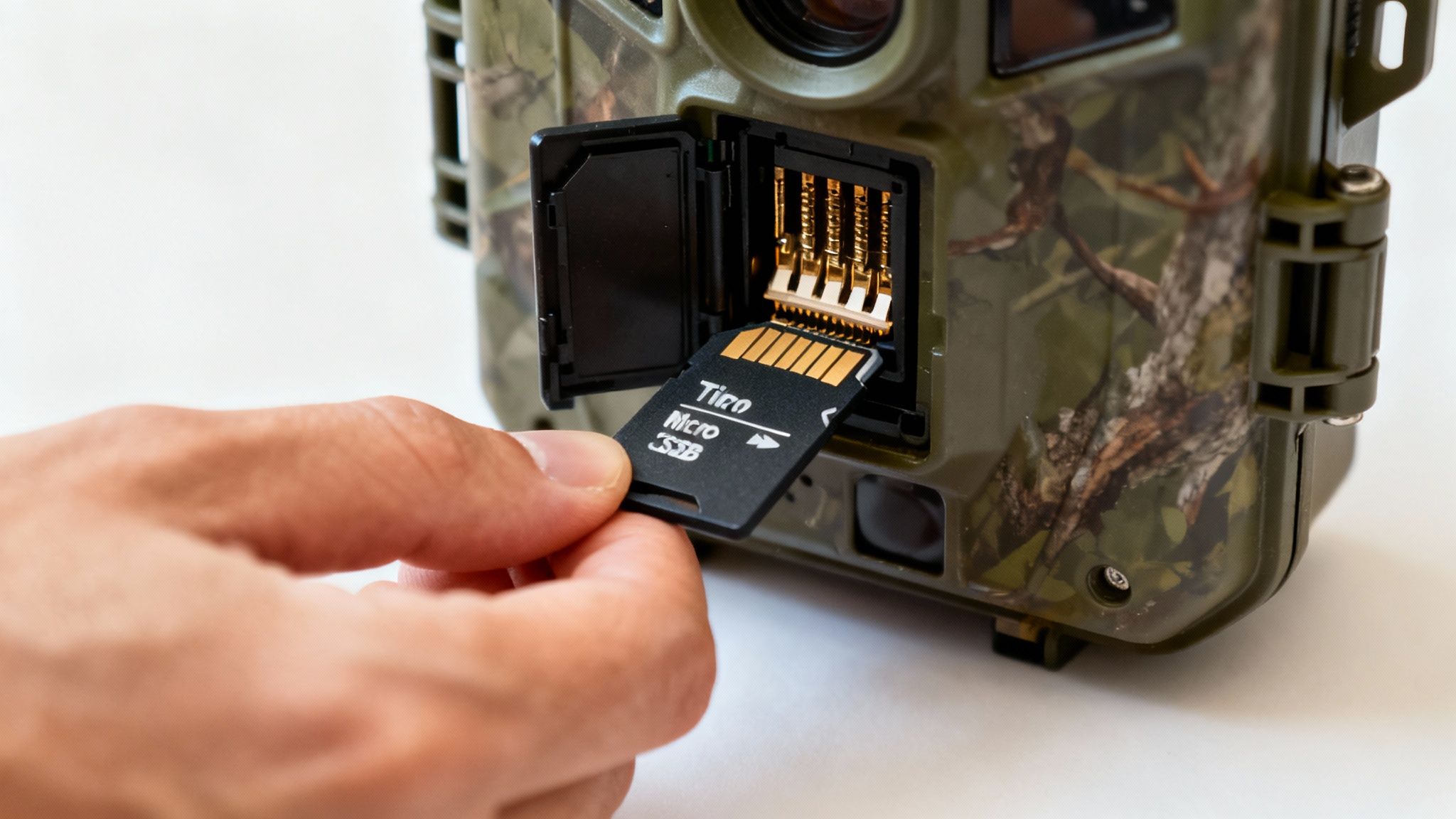
Think of it like this: formatting the card on a computer is like using a generic blueprint for a house. Formatting it in the camera is like getting the exact plans from the crew who will actually be building it on that specific piece of land. Everything just lines up perfectly.
Best Practices for Card Longevity
Beyond that first format, a few simple routines can dramatically boost your card's lifespan and protect your data. It only takes a few seconds but pays off big time in reliability.
- Format Periodically: It’s a great habit to reformat your card in the camera every few months, or especially after offloading a big batch of important footage. This wipes the slate clean and can fix minor file issues before they turn into major problems.
- Avoid Filling It to 100%: Constantly maxing out your card puts extra stress on the memory cells. I always try to swap out cards when they hit around 80-90% full. This leaves a buffer that helps the card’s internal tech work more efficiently.
- Use a Card Reader: Always transfer your files with a dedicated SD card reader. Yanking the card while the camera is still writing data—or even connecting the camera directly to a computer—can sometimes lead to file corruption.
- Store Cards Properly: When you’re not using them, keep your SD cards in a protective case. This simple step shields them from the dust, moisture, and physical damage that can easily wreck the sensitive contact points.
This need for tough, reliable storage is a big deal across the entire industry. The global market for secure digital memory cards is expected to grow from USD 10.5 billion in 2024 to an estimated USD 21.6 billion by 2034. Digital cameras, including our trail cams, are a huge piece of that pie, making up 35.4% of the market as we all demand better ways to store high-quality images and video. You can find more details about the secure digital memory card market growth on market.us.
Solving Common SD Card Problems
Even with the best care, you’ll probably run into an error message eventually. Don't panic. Most issues are fixable.
Troubleshooting Tip: Before you do anything drastic, try the simplest fix first. Power the camera off, pop out the SD card and the batteries, wait a full minute, then put it all back together and turn it on. This simple reboot clears up temporary glitches more often than you’d think.
If your camera screen flashes a "Card Error" or "Memory Error" message, run through this quick checklist:
- Check the Lock Switch: That tiny plastic switch on the side of a full-size SD card is easy to bump. Make sure it’s pushed up into the unlocked position.
- Clean the Contacts: Gently wipe the gold contacts on the back of the card with a clean, dry microfiber cloth. A little bit of dust or oil from your fingers can be enough to break the connection.
- Reformat in Camera: If it's still giving you trouble and you're okay with losing what's on it, reformatting the card inside the trail camera is the ultimate reset. It's the most effective way to fix file system corruption and get it working again.
Your Top Trail-Camera SD Card Questions Answered
Even with the right card in hand, questions always seem to pop up. Getting straight answers is the key to managing your gear like a pro and making sure you never miss that perfect shot because of a simple mix-up. Let's dig into some of the most common questions we get from fellow trail cam users.
Can I Use a MicroSD Card with an Adapter?
Technically, yes, you can. But we strongly recommend against it for trail cameras.
While a MicroSD card slid into an adapter might work for a while, you're introducing another potential point of failure right where you can't afford one. Those tiny connection points in the adapter can get dirty, dusty, or just wear out over time. The result? Intermittent connection problems and corrupted files that'll have you pulling your hair out.
For rock-solid reliability, always use a full-size SD card if your camera has a full-size slot. It gives you a much more secure, direct connection that’s far less likely to fail you out in the field.
How Often Should I Format My SD Card?
Formatting is hands-down the most important piece of maintenance you can do for your cards. You should always format a new card inside the camera before you even think about using it. From then on, it's a great habit to reformat the card in that same camera every few months, or at the very least, each time you pull it to offload your photos and videos.
This simple step is like a quick tune-up for your card. It cleans up the file system, helps prevent data corruption down the road, and makes sure the card is perfectly configured for that specific camera model.
Crucial Reminder: Formatting wipes the card completely clean. Always, always make sure you've saved all your important photos and videos to your computer or another drive before you hit that format button.
What's the Largest SD Card My Camera Can Handle?
This is a big one. Using a card that’s too large for your camera is a recipe for disaster. The maximum capacity all comes down to whether your camera supports the SDHC (up to 32GB) or SDXC (64GB and up) format.
Your camera's user manual is your best friend here—always check it for the maximum supported capacity. If you try to stick a 128GB SDXC card into an older camera that only speaks SDHC, it's just not going to work and will likely throw an error.
For the vast majority of users, a 32GB or 64GB card is the sweet spot. It offers more than enough storage and guarantees broad compatibility across most cameras. This is especially true for cellular cams, since you won't be storing massive files on the card long-term anyway, which is why it helps to understand why GB-based data plans are better for trail cameras.
Making the Right Choice for Reliable Footage
Choosing the best SD card for your trail camera isn’t about just grabbing the biggest or fastest one off the shelf. It’s about making a smart, informed decision that perfectly matches your camera’s capabilities and what you’re trying to accomplish out in the field. Nailing this choice is the final, crucial step in building a scouting system you can actually depend on.
At the end of the day, it all boils down to the core principles we've covered. You absolutely have to align the card's speed and capacity with what your camera can handle. Getting this wrong leads to frustrating errors and wasted money. A U1 card might be perfectly fine for still photos, but you’ll need that U3/V30 rating for smooth, reliable video.
Final Checks Before You Buy
Here's the single best decision you can make: prioritize a high-endurance model, especially for any camera that records video or runs on a cellular network. That resilience to constant read/write cycles is what protects you from premature failure and lost data. Think of it as a small investment in long-term reliability.
Finally, good maintenance is completely non-negotiable. Always, always format your new SD card in the camera it will be used in to ensure perfect compatibility. From there, make it a habit to periodically wipe it clean to keep it running at peak performance. These simple habits are often what separate a dependable setup from a frustrating one.
The Bottom Line: Your trail camera is only as reliable as its weakest link. A cheap, poorly-suited SD card can easily undermine hundreds of dollars worth of camera technology and weeks of patient scouting. A small investment in the right card pays huge dividends in confidence and results.
Powering Your Whole System
Remember, your SD card is just one part of a larger ecosystem. A card’s performance can even be thrown off by inconsistent power from dying batteries. Just like you match the card to the camera, you need to pair your entire setup with the right power source. To dig deeper, check out our complete guide on selecting the best batteries for trail cameras and keep your gear running flawlessly.
By following these guidelines, you can equip your trail camera with total confidence. You’ll know your storage is robust, reliable, and ready to capture that perfect shot the moment it happens—ensuring your time and effort in the field are never wasted.
Ready to pair your perfect SD card with a camera built for the toughest conditions? The Magic Eagle EagleCam 5 offers AI-powered species recognition, live streaming, and rock-solid cellular connectivity to give you a true edge in the field. Discover the difference at https://magiceagle.com.