

Imagine having eyes in the field, sending you real-time updates directly to your phone. That’s the core promise of a trail camera with remote viewing. It's a game-changer, transmitting photos and videos from miles away and completely wiping out the need to physically pull SD cards and disturb the very spot you’re monitoring.
How Remote Viewing Trail Cameras Actually Work
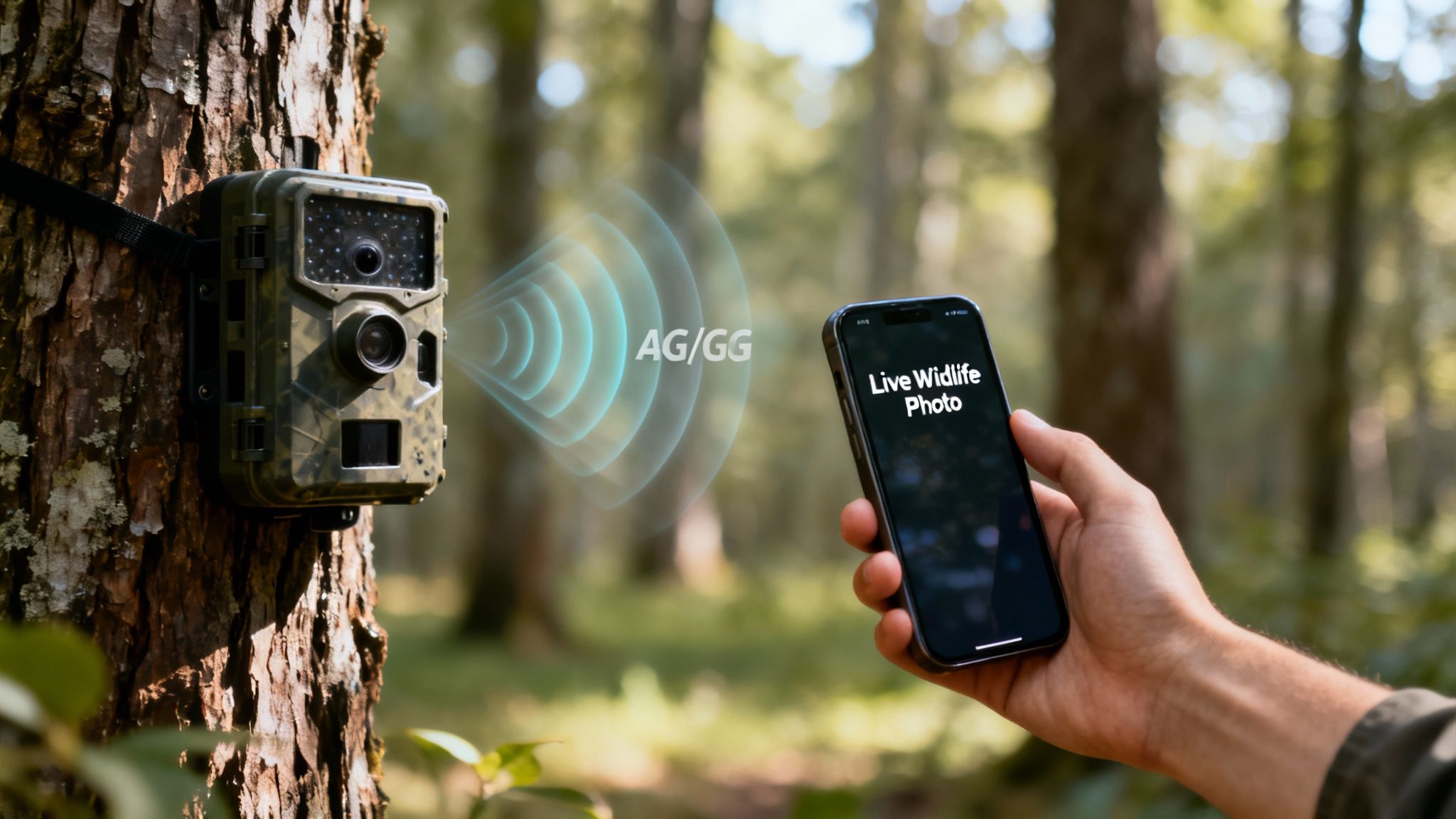
The technology behind remote viewing isn’t magic—it’s just a smart application of wireless networks. Instead of just saving images to a memory card for you to pick up days or weeks later, these advanced cameras send that intel straight to an app on your smartphone or computer.
This instant access comes down to two main technologies: cellular and Wi-Fi. Each one works differently and shines in specific environments. Getting a grip on the difference is the first step toward picking the right tool for your property.
The Two Flavors of Remote Connectivity
Think of these two camera types as different kinds of scouts.
- Cellular Cameras: These are your long-range, independent scouts. They work just like your smartphone, using a built-in 4G or 5G modem to send data from pretty much anywhere you can get a cell signal. That makes them perfect for that back-40 food plot, a distant property line, or any spot far from a home internet connection. To dig into the nuts and bolts, check out our guide on how cellular trail cameras work.
- Wi-Fi Cameras: These are more like loyal sentries guarding a specific zone. They connect to a nearby Wi-Fi router to beam images and videos back to you. Their range is tethered to your Wi-Fi signal’s strength, making them a great fit for monitoring backyards, barns, or outbuildings that are within a few hundred feet of your home network.
The real win with both systems is the same: they turn a passive data collector into an active, real-time monitoring tool. You get instant alerts, which saves you countless hours and stops you from leaving your scent all over a sensitive area with unnecessary trips.
A Big Shift in How We Monitor
The move to connected cameras has totally changed how people approach surveillance and wildlife management. It's not just a niche anymore. By 2024, networked models became the dominant force in the market, with cellular and Wi-Fi cameras making up roughly 60–70% of all new advanced units sold.
This shift was driven by users who realized the value of real-time alerts and off-site access. North America alone is home to over 30% of global wildlife camera deployments, fueled by a huge base of hunters and land managers demanding the features only wireless connectivity can deliver.
To make the choice clearer, here’s a quick breakdown of how these two technologies stack up.
Cellular vs Wi-Fi Remote Viewing At a Glance
The table below breaks down the key differences, helping you quickly see which technology best fits your needs.
| Feature | Cellular Trail Camera | Wi-Fi Trail Camera |
|---|---|---|
| Range | Virtually unlimited (anywhere with cell service) | Limited to Wi-Fi router range (typically 100-400 feet) |
| Best Use Case | Remote properties, deep woods, large acreage | Backyards, barns, cabins with existing internet |
| Cost | Requires a monthly data plan subscription | No extra data plan, uses existing internet service |
| Flexibility | Extremely high; can be placed almost anywhere | Low; must stay within the network's signal bubble |
Ultimately, the choice comes down to one simple question: how far away from an internet source will your camera be? For most serious field applications, cellular is the only way to go.
Evaluating the Features That Truly Matter
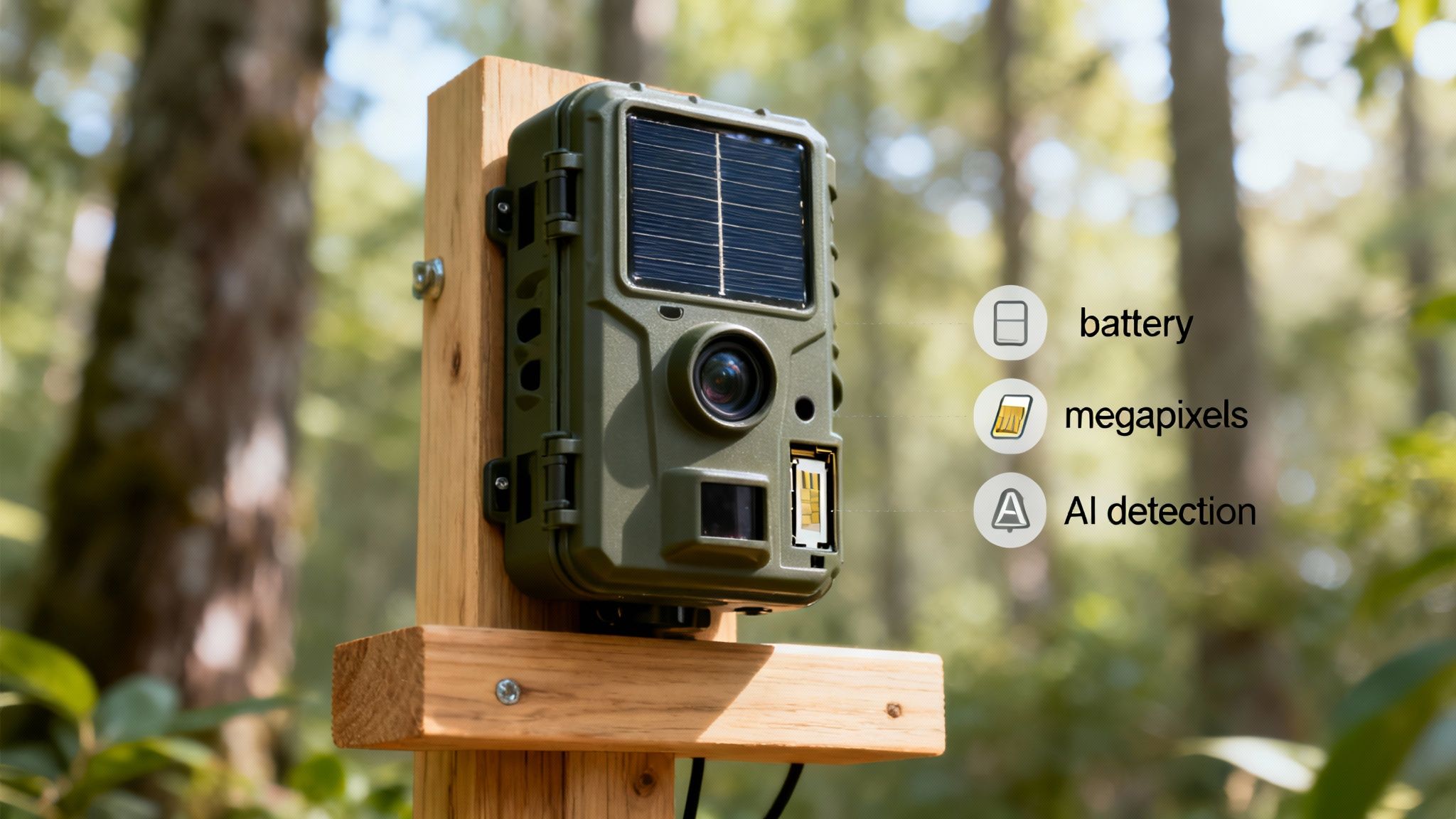
Once you get the basics down, the real work begins: sifting through the specs on the box to figure out what actually performs in the field. A trail camera with remote viewing isn’t just a camera; it’s a self-sufficient data-gathering machine. Its real value comes down to a few core features working in sync to deliver reliable, clear, and useful intelligence from miles away.
Knowing what to look for will save you from the headache of a dead battery, a weak signal, or an SD card packed with photos of waving branches. This is your guide to the features that separate a high-performance tool from a simple gadget.
Connectivity: The Unbreakable Link
Think of connectivity as the lifeline of your remote camera. Without a solid, dependable signal, you’ve just bought an expensive traditional trail cam. The best systems are built for the spotty, unpredictable network conditions you find in the backcountry, not just for places with perfect service.
This is where cameras with multi-carrier connectivity really shine. These devices automatically scan for and connect to the strongest cellular network in the area—whether that’s AT&T, Verizon, or someone else. It’s like having a universal key that unlocks whatever signal is available, massively boosting the odds your camera stays online and sends you that critical photo.
Signal strength isn’t just about having bars; it's about having options. A camera that can intelligently select its network provides a massive advantage over one locked to a single, potentially weak carrier.
This adaptability ensures your data gets through when it matters, whether you're watching a food plot in a deep hollow or a remote gate on your property.
Image Quality: Beyond Megapixels
A huge megapixel count looks impressive on the packaging, but it doesn't guarantee a better picture. In the real world, true image quality is a blend of the lens, the image sensor, and the processor. A camera with a high-quality 12-megapixel sensor can easily blow a cheaper 30-megapixel model out of the water.
Instead of getting fixated on that number, focus on these practical elements:
- Daytime Clarity: Check out sample images from the manufacturer. You’re looking for sharp details and true-to-life color, which tells you the lens and sensor are working well together.
- Night Vision Range and Illumination: Nighttime performance is everything. A powerful infrared (IR) flash is a must for clear, evenly lit shots without a visible glow that spooks game or tips off trespassers. An effective range of 80 feet or more is a solid benchmark for covering fields or long trails.
- Trigger Speed: This is how fast the camera snaps a picture after sensing motion. A quick trigger speed (under 0.5 seconds) is crucial for capturing a buck chasing a doe or a vehicle moving past before they’re out of the frame.
Battery Life and Power Independence
A camera is worthless if its batteries are dead. Battery life depends on a ton of variables—signal strength, how many photos it sends, and even the temperature outside. While AA lithium batteries do a good job, the most reliable, set-it-and-forget-it solution is a rechargeable battery pack paired with a solar panel.
A solar power accessory basically turns your camera into a self-sustaining unit. It trickles a charge to the internal battery all day long, extending deployment time from weeks to months and slashing the number of trips you have to make into the woods. For anyone placing a camera in a hard-to-reach spot, this setup is non-negotiable.
AI Detection: The Smart Filter
One of the biggest frustrations with motion-activated cameras is the flood of false triggers. Wind blowing a branch, falling leaves, even shifting shadows can burn through your battery and data plan while burying the one important event you needed to see.
This is where AI-powered detection becomes a game-changer. Instead of just sensing any motion, an intelligent camera can identify what is moving. It can tell the difference between a person, a vehicle, and an animal. This lets you set up custom alerts so you’re only notified about the activity you actually care about. For serious users, this isn't a luxury—it's a core feature for efficient monitoring.
How People Are Using Remote Trail Cameras Today
The classic image of a trail camera is a hunter scouting for deer, but that’s an old picture. Today, a trail camera with remote viewing is more like a go-anywhere surveillance tool, and its uses have exploded far beyond the hunting world.
From protecting a remote cabin to studying elusive predators, the ability to get instant alerts and live feeds has opened up a whole new playbook. These aren't just for hunters anymore; they're for anyone who needs eyes on the ground, miles away.
Securing Remote Properties and Assets
One of the biggest drivers behind the cellular camera boom is security. For landowners and property managers, these cameras are a game-changer for protecting remote cabins, farms, equipment, and access gates. Traditional security systems need power and Wi-Fi, but a cellular camera is a self-contained unit you can stick practically anywhere.
Think about getting a buzz on your phone the second a truck pulls up to your private gate, even if you’re a hundred miles away. That’s powerful. It allows people to:
- Deter Trespassers: A visible camera often sends would-be intruders packing. A hidden one gets you clear photos of their face and vehicle for law enforcement.
- Prevent Theft: Keep an eye on valuable assets like tractors, fuel tanks, or construction materials left on-site. An instant alert can be the difference between losing thousands in equipment and stopping a crime before it happens.
- Confirm Deliveries: Make sure that load of lumber or package delivery actually made it to your remote worksite without having to drive all the way out there to check.
This shift is huge. By the mid-2020s, millions of remote cameras were being used for something other than hunting. One report estimated that over 3 million units were deployed on farms and remote properties. The result? A 15–25% drop in property damage and intrusion incidents year-over-year. You can dig deeper into this growing market and its impact on the trail camera industry with research from 360iResearch.
Advancing Wildlife Research and Conservation
For wildlife biologists and conservationists, remote cameras are nothing short of essential. Before this tech came along, studying shy or nocturnal animals meant long hours in the field, often disturbing the very creatures they were trying to observe. Now, they can monitor habitats 24/7 without leaving a single footprint.
This constant, remote presence lets them:
- Track Endangered Species: Monitor the populations and movements of elusive animals like wolves, mountain lions, or rare birds without human interference.
- Conduct Population Surveys: Use AI-powered species recognition to automatically count and categorize animals, gathering massive amounts of data far more efficiently than sifting through thousands of photos by hand.
- Combat Poaching: Deploy cameras in high-risk areas to get instant alerts of illegal activity. An alert can notify rangers of poachers in real-time, giving them a chance to respond immediately.
A remote viewing trail camera transforms a passive observation point into an active research station. It allows scientists to gather unbiased behavioral data, confirm the presence of rare species, and protect vulnerable ecosystems from a distance, minimizing human impact on the natural world.
Managing Land and Improving Habitats
Beyond just security or research, these cameras have become a vital tool for hands-on land and wildlife management. For ranchers, large-acreage property owners, and hunting outfitters, a network of remote cameras provides a live, comprehensive overview of their land’s health and activity.
This real-time feedback loop helps them make smarter, more informed decisions about everything from livestock safety to habitat improvement. They can monitor water troughs to see which animals are using them, check on feeder levels without spooking game, or see how wildlife reacts to a new food plot. This constant stream of information helps them manage their land more effectively, ensuring it stays productive and healthy for years to come.
A Practical Guide to Camera Setup and Deployment
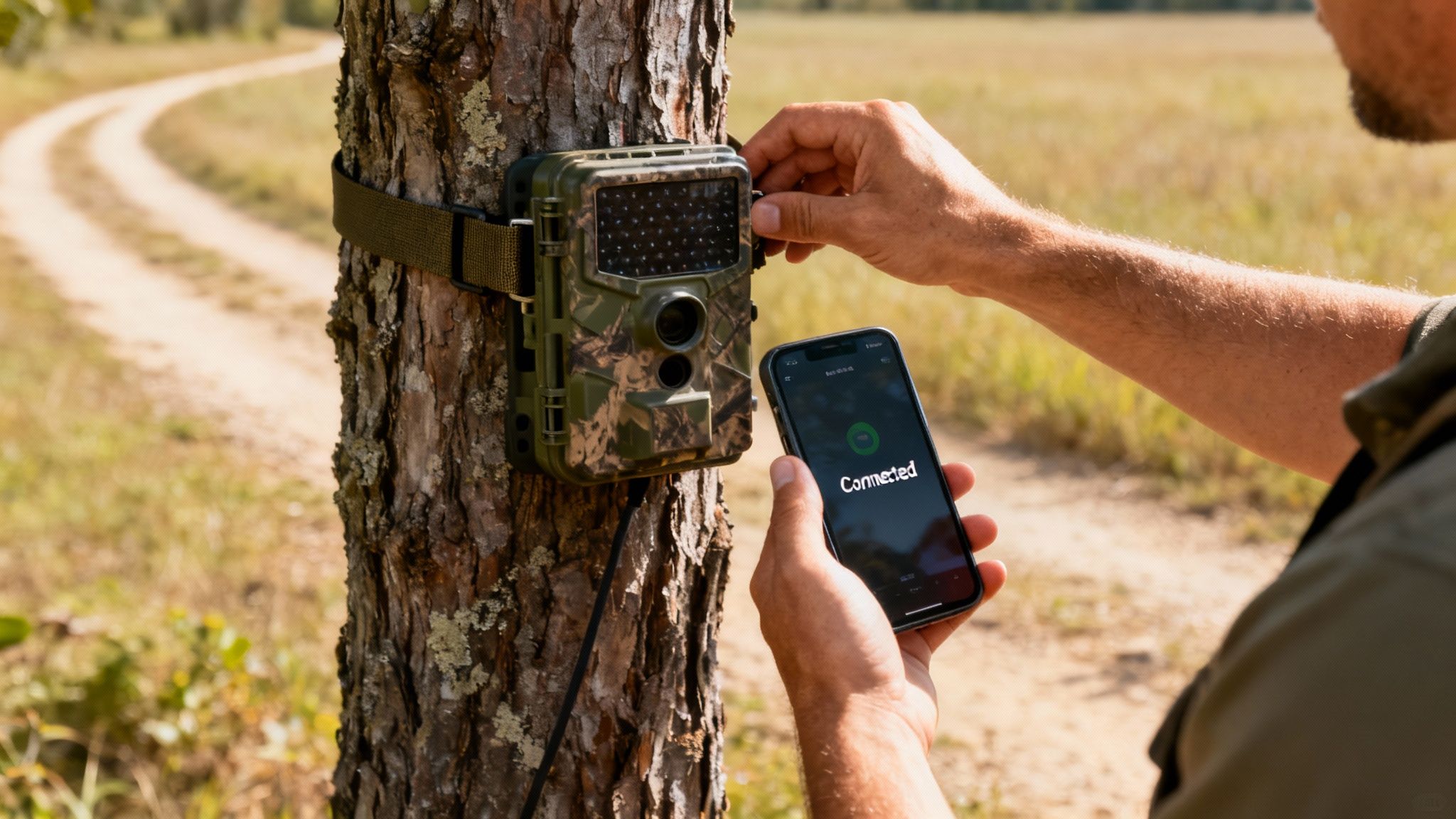
Owning a powerful trail camera with remote viewing is one thing, but making it work for you in the field is where the real magic happens. A successful deployment is a mix of smart tech and old-fashioned woodsmanship, and this guide will walk you through turning that new camera into a reliable intelligence-gathering machine.
We’ll cover everything from the initial power-up to picking the perfect tree. Every detail matters, and getting it right from the start helps you avoid the common mistakes that lead to missed shots and frustrating gaps in your intel.
The Initial Activation Process
Before you even step into the woods, your setup should start at home where you’ve got a solid internet connection. This simple step saves you the headache of trying to troubleshoot a bad signal out in the middle of nowhere.
- Power Up and Connect: First things first, pop in a fresh set of lithium batteries or a fully charged battery pack. Power the camera on and follow the instructions to download the companion app on your smartphone.
- Activate Your Plan: The app is your command center. It will walk you right through activating the cellular data plan. For cameras with built-in, no-SIM technology, this is usually as simple as scanning a QR code and picking a subscription. The whole thing takes just a few minutes.
- Configure Key Settings: Now that the camera is online, use the app to sync the time and date and tweak your basic settings. This is also the perfect time to format the SD card in the camera, which prevents compatibility issues down the road.
Pro Tip: Never skip the at-home setup. Firing off a few test photos in your backyard confirms that the camera, the app, and the cell plan are all talking to each other before you spend hours hiking to a remote spot.
Finding the Perfect Deployment Spot
Location, location, location. It’s the single most critical factor for success. A top-of-the-line camera in a dead zone is useless, but a well-placed camera becomes your eyes and ears when you're not around. The goal is to see the action without being seen.
When you’re scouting a spot, keep these factors in mind:
- Natural Funnels and Pathways: Look for game trails, creek crossings, field edges, or saddles between ridges. These are the highways animals use to get from point A to point B.
- Target-Specific Placement: Setting up on a feeder or mineral site? Place the camera 15-20 feet away for a nice, wide field of view. If you’re watching a trail, mounting it at a 45-degree angle is the ticket for capturing longer videos as the animal walks past.
- Sun Direction: This is a big one. Always try to face your camera north or south. Pointing it east or west will lead to "sun-whip"—blinding glare from the rising or setting sun that triggers false alerts, drains your battery, and fills your gallery with junk photos.
For a deeper dive, our guide on how to monitor cameras remotely offers even more strategies for effective surveillance.
Mounting and Final System Checks
Once you’ve nailed down the perfect spot, it’s time to get the camera mounted securely and run your final checks. A wobbly camera means blurry, unusable images.
Use the strap it came with to cinch the camera down tight to a solid tree, usually around chest height. You want a tree that’s sturdy enough not to sway in the wind but not so massive it blocks the view. Make sure the camera is level and aimed squarely at your target zone.
Before you walk away, lock it in with these last few steps:
- Take a Test Photo: Use the app's "take photo now" command to snap a live test shot.
- Verify Transmission: Wait a minute and confirm that the test photo actually showed up on your phone. This proves you have a good, stable cell signal in that exact spot.
- Clear Obstructions: Snip away any little branches or tall weeds right in front of the lens. If you don't, they’ll blow in the wind and trigger your camera all day long.
By running through this simple checklist, you’re not just setting up a camera—you’re deploying a strategic asset. That extra bit of care is what separates getting lucky from gathering consistent, high-quality intel.
Choosing the Right Remote Viewing Camera for You
You've seen how a trail camera with remote viewing works and what really separates a professional tool from a simple gadget. Now, let's pull it all together. This final checklist is designed to help you slice through the marketing noise and pick the camera that truly fits your mission, whether you're keeping an eye on your property or managing a wildlife population.
The best way to start is by answering a few honest questions about what you need. Your answers will build a clear profile, making it obvious which camera is the right fit. There's no single "best" camera out there for everyone, but there's definitely a best camera for you.
Define Your Mission Criticals
Before you even glance at a specific model, take a minute to define your absolute must-haves. A clear goal keeps you from overspending on features you'll never use or, even worse, buying a cheap camera that fails when you need it most.
Start with these three core questions:
- Where will it be placed? Is your spot tucked into a deep hollow where cell service is a joke, or is it on a farm with a solid signal? Be realistic about the connectivity challenges. A camera’s ability to stay connected is its most important job.
- What is your primary goal? Are you trying to secure a remote cabin and need immediate alerts for people and vehicles? Or are you monitoring a food plot, trying to pattern specific bucks without getting pinged for every squirrel that scampers by?
- What is your budget for the long haul? Don't just look at the upfront cost of the camera; think about the ongoing data plan. Choosing a plan that matches your expected use is crucial. To get a feel for what’s out there, you can explore detailed breakdowns of the best cellular trail camera plans.
Matching Professional Features to Real-World Needs
Once you know your goals, you can see how a professional-grade camera like the EagleCam 5 is built to solve these exact field problems. It’s not about having a long list of features; it’s about having the right features that fix real-world headaches.
For example, if you're deploying in an area with sketchy service, multi-carrier connectivity isn't a luxury—it's a necessity. The EagleCam 5 automatically scans for and connects to the strongest network, making it far more reliable than single-carrier models. This feature alone solves the number one reason remote cameras fail.
If your mission is precise security or targeted wildlife monitoring, AI-powered detection is a game-changer. It acts like an intelligent filter, making sure you only get alerted to what matters—a person at your gate, not a raccoon in your trash. This saves your battery, your data, and your sanity.
A professional-grade camera isn’t defined by a long list of specs. It’s defined by its ability to reliably execute its core mission—delivering clear, timely intelligence from the field—with minimal fuss and maximum dependability.
Finally, you have to think about power. When you're picking a remote viewing camera, battery longevity and health are absolutely critical for dependable operation. For a deeper dive into getting the most out of your power source, check out this comprehensive a guide to improving your battery health. For anyone who needs to keep field disturbances to a minimum, this kind of power independence is non-negotiable.
When you combine that with a simplified, no-SIM setup and a rugged, weatherproof build, you get a camera designed to be set up once and trusted to perform for months. That’s the kind of dependable performance serious users demand.
Frequently Asked Questions About Remote Cameras
Even after you get the hang of the core technology, practical questions always come up when you're looking at a trail camera with remote viewing. From hidden costs to technical what-ifs, getting straight answers is the key to making a good decision. Let’s dive into the most common questions we hear from folks out in the field.
Do All Remote Viewing Trail Cameras Require a Subscription?
Yep, any camera that sends images wirelessly is going to need an ongoing service plan of some kind. There are really two flavors.
- Cellular Cameras: These need a mobile data plan to push photos and videos over a network like AT&T or Verizon, just like your cell phone. You almost always buy these plans directly from the camera maker through their app.
- Wi-Fi Cameras: These don't need a separate plan for the camera itself, but they do have to be connected to an active Wi-Fi network with an internet connection you're already paying for.
On top of that, many brands offer optional cloud storage subscriptions. These plans are where you'll often find advanced features like AI species recognition, and they give you a place to store all your media long-term so you don't have to worry about a full SD card.
How Much Data Does a Cellular Trail Camera Use?
Data consumption depends entirely on your settings and how much action your camera sees. If you’re just sending low-resolution thumbnails, you’ll use a tiny amount of data. But if you’re transmitting full 1080p HD videos, you can chew through gigabytes faster than you’d think.
For instance, a camera in a moderately active spot sending a few dozen photos a day might only use a few hundred megabytes a month. Put that same camera on a busy game trail and set it to send high-quality video clips, and it could easily burn through several gigabytes. Most data plans are tiered, which is great because you can start small and bump it up if your spot is hotter than you expected.
This flowchart gives you a simple framework for picking a camera based on your location, goals, and budget.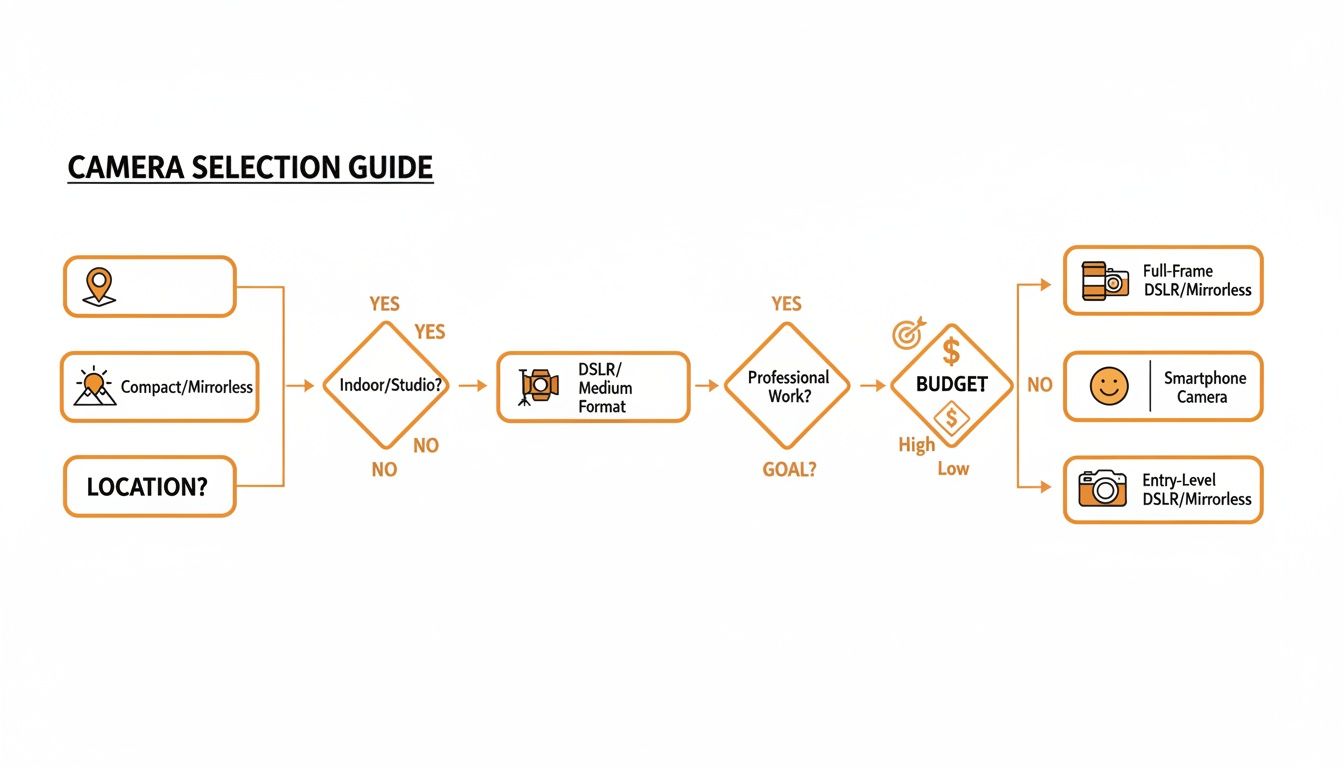
As the guide shows, what you need the camera for—whether it's remote security or professional wildlife monitoring—is what should drive your decision on which features matter most.
Can I Use My Own SIM Card in a Cellular Camera?
It really depends on the camera model. Some older or "unlocked" cameras might let you bring your own SIM card from a carrier, but that's becoming less common.
Most modern, user-friendly cameras have moved to integrated, pre-installed SIMs. These "no-SIM" solutions are built for simplicity, automatically connecting to whichever carrier has the strongest signal in the area.
This approach makes setup a breeze. Instead of a trip to the cell phone store to activate a new line, you just fire up the camera's app and activate the plan in a few minutes. If using your own SIM is a dealbreaker, you’ll need to double-check the camera's specs before you buy.
What Happens If the Camera Loses Its Signal?
A well-designed remote camera doesn't just give up when the connection drops. It's built for exactly this scenario. The camera will keep detecting motion and saving every photo and video it takes to its local SD card, acting just like a traditional trail camera.
This is a critical feature, because it means you never lose important captures due to a spotty network, which is a common headache in remote locations.
Once the cellular signal returns—whether it's minutes or hours later—the camera gets back to work, automatically sending the backlog of saved images and videos to your app. The best models handle this seamlessly in the background, so you don't have to do a thing to get all your media. It's an essential fail-safe for anyone who needs reliable monitoring.
Ready to deploy a camera that delivers real-time intelligence without the usual headaches? The Magic Eagle EagleCam 5 brings multi-carrier connectivity, AI-powered alerts, and a tough-as-nails build designed for the field. Explore the EagleCam 5 and see the difference for yourself.